Protect files and folders
Encrypt files, folders, and — with Premium — complete directory trees while keeping control over what is processed.
DataShield combines authenticated file encryption with a secure password manager in one desktop application. Your files, passwords, and encryption keys stay on your device.
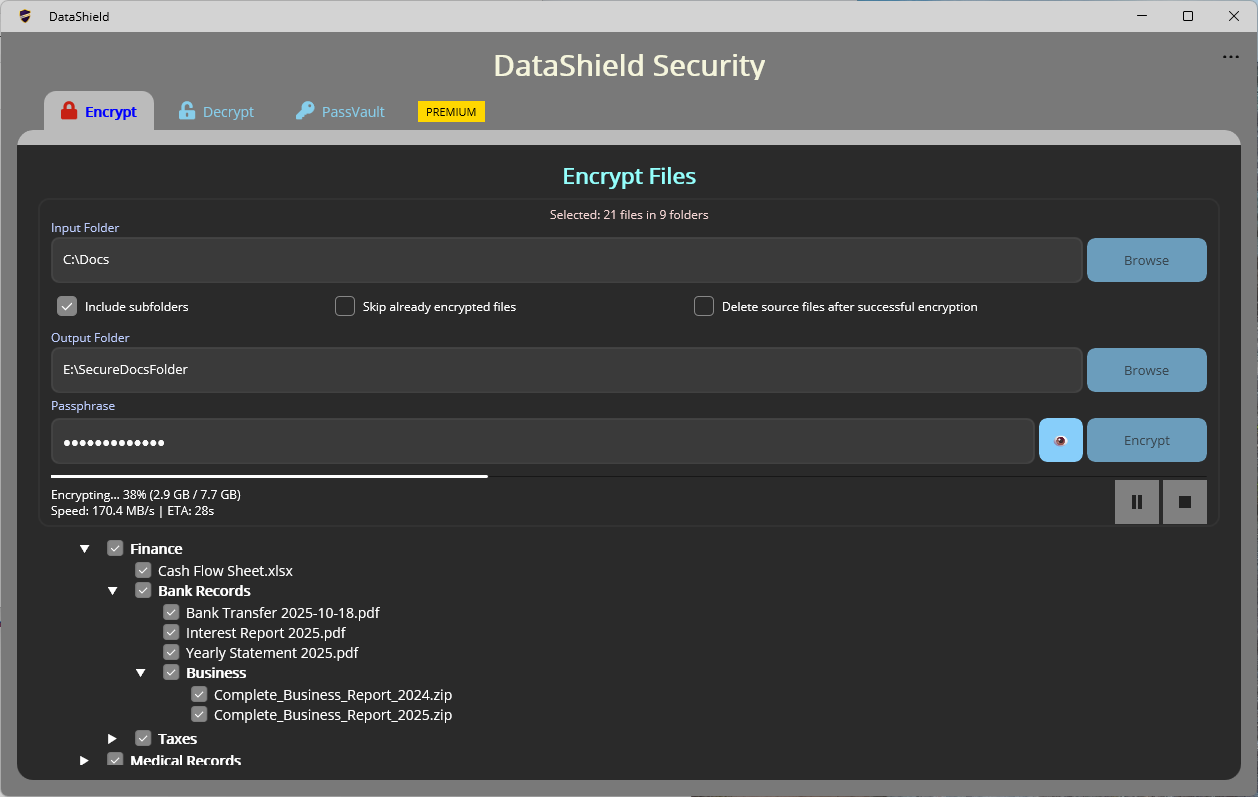
The home page stays concise. Deeper details now live on dedicated pages, so visitors can go straight to the area they care about.
Encrypt files, folders, and — with Premium — complete directory trees while keeping control over what is processed.
Create encrypted PassVault files for passwords, software keys, secure notes, Wi-Fi credentials, business logins, and more.
Premium adds unlimited processing, recursive folders, custom output locations, secure file wiping, advanced PassVault tools, and more.
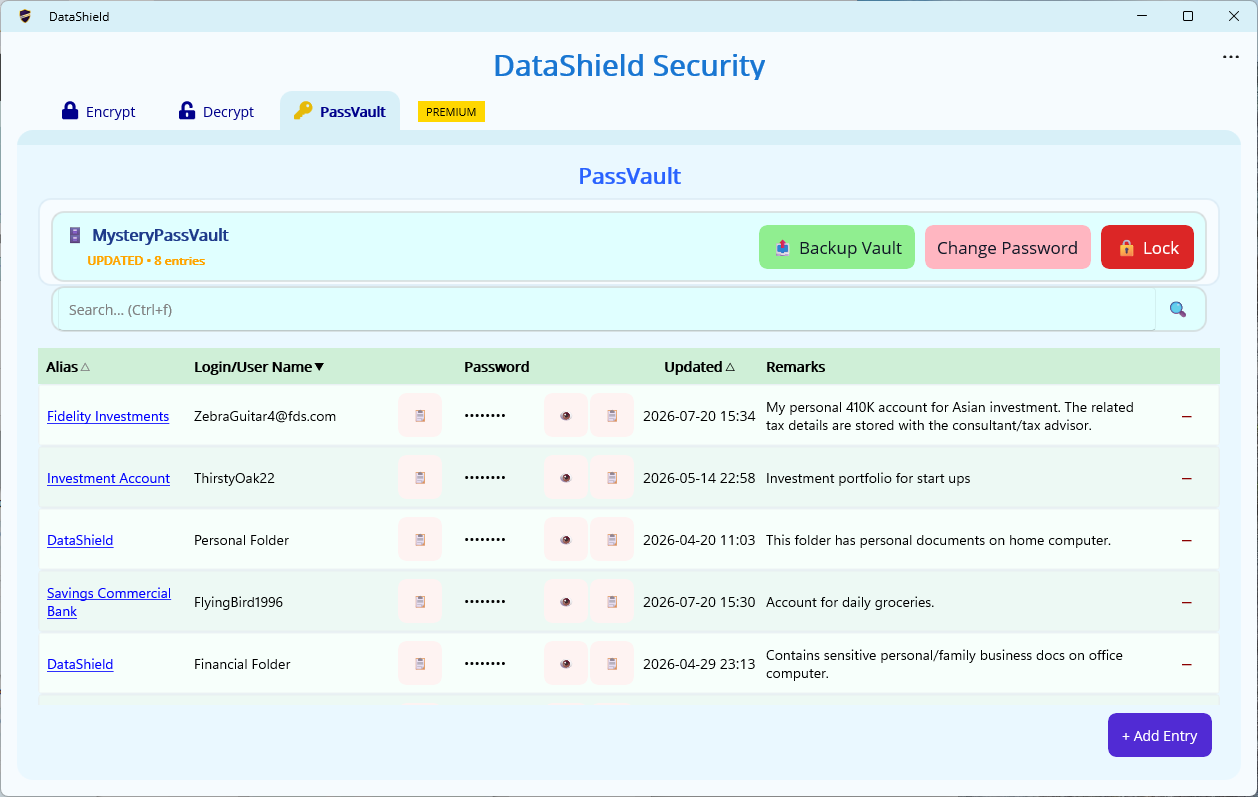
The website now uses screenshots from the real DataShield application, including Encrypt, Decrypt, PassVault, search, sorting, auto-lock, and light/dark themes.
Browse the screenshot gallery →Both stores offer the DataShield app with Free and Premium functionality available through the app.